Usage
Features
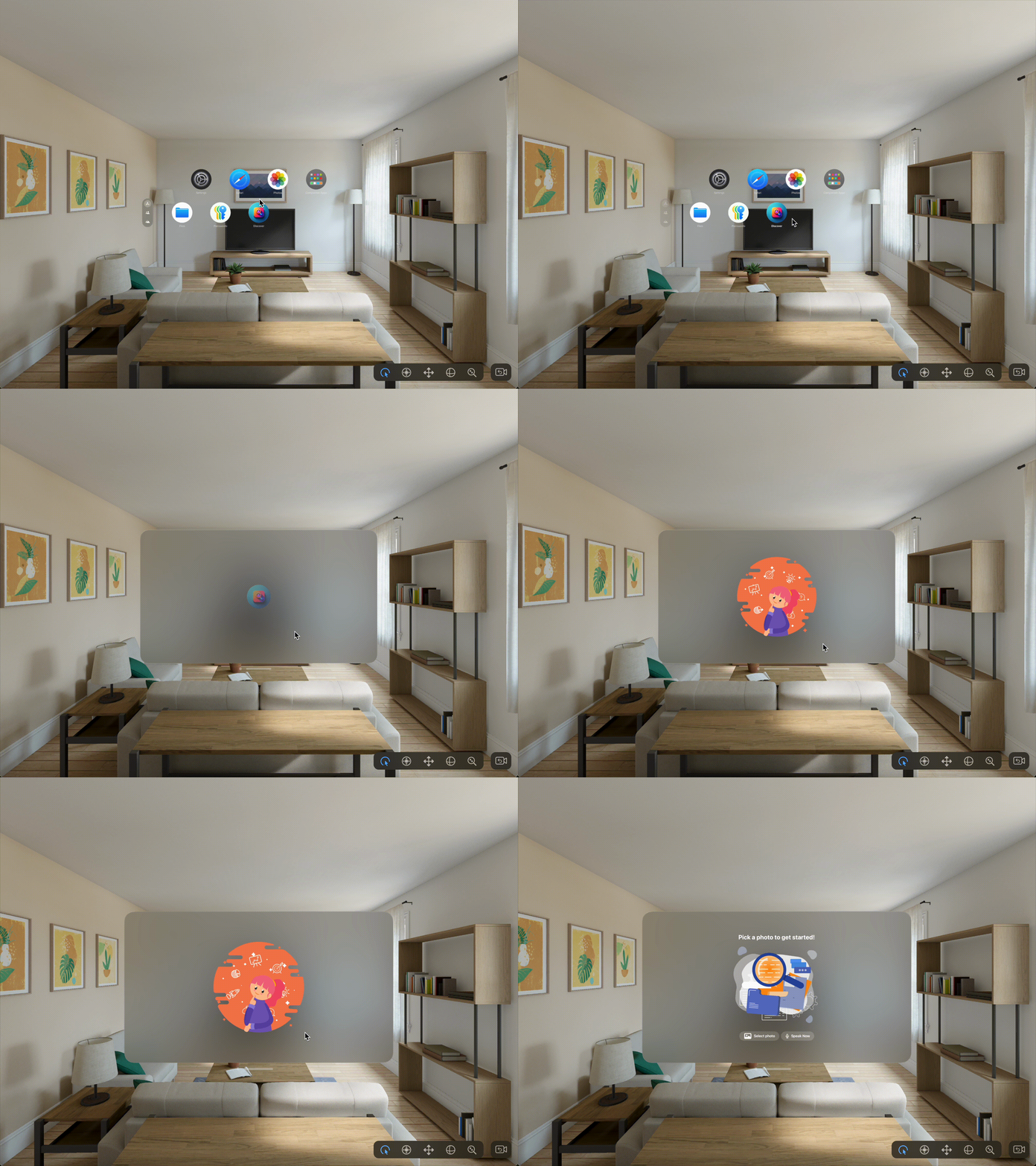
Display a splash view when the app is loaded for the first time.
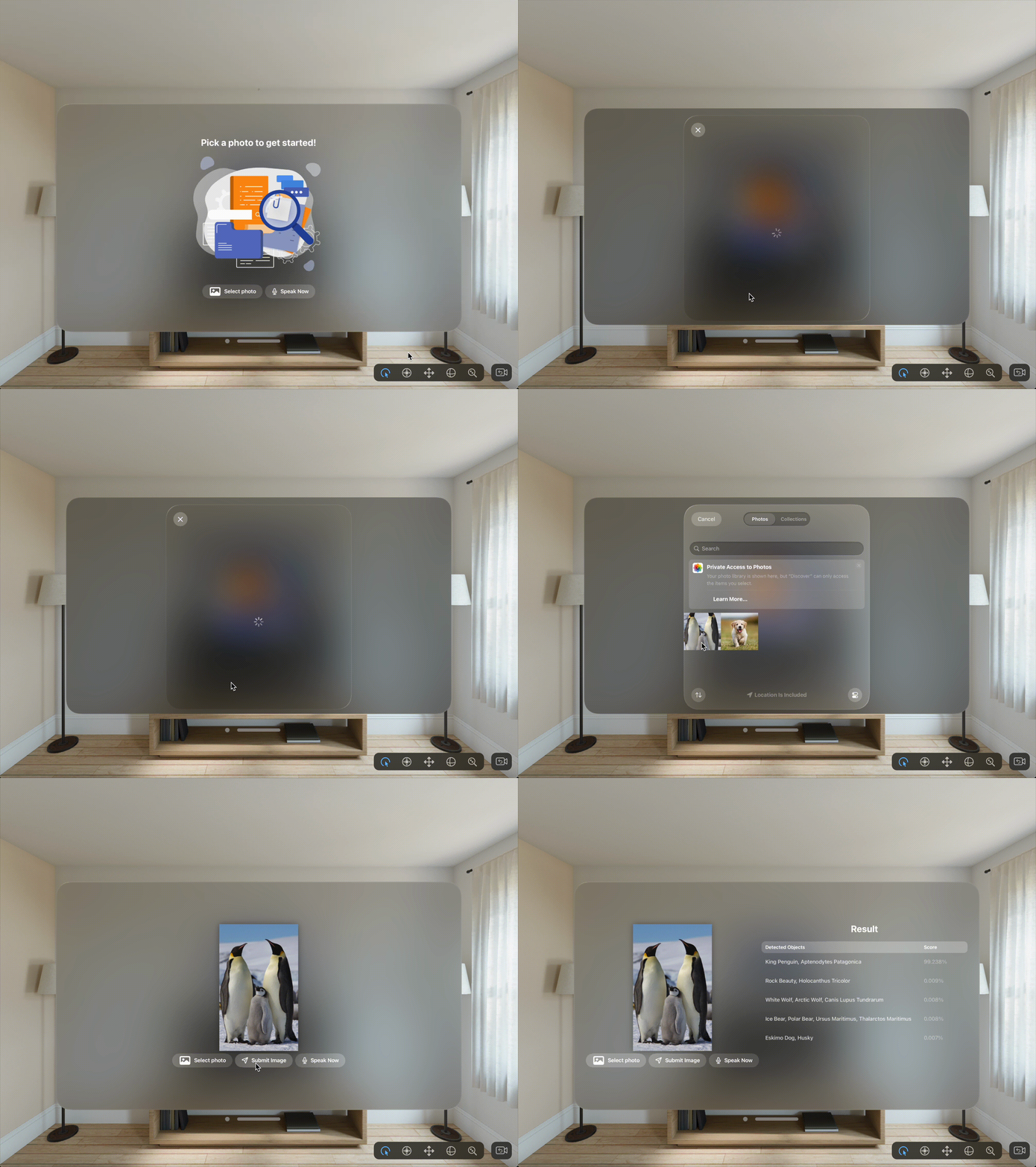
Select an image from the Photo app and send the selected image to AWS EC2 instance via WebSocket. Then, receive response and display the result to the Apple Vision Pro.
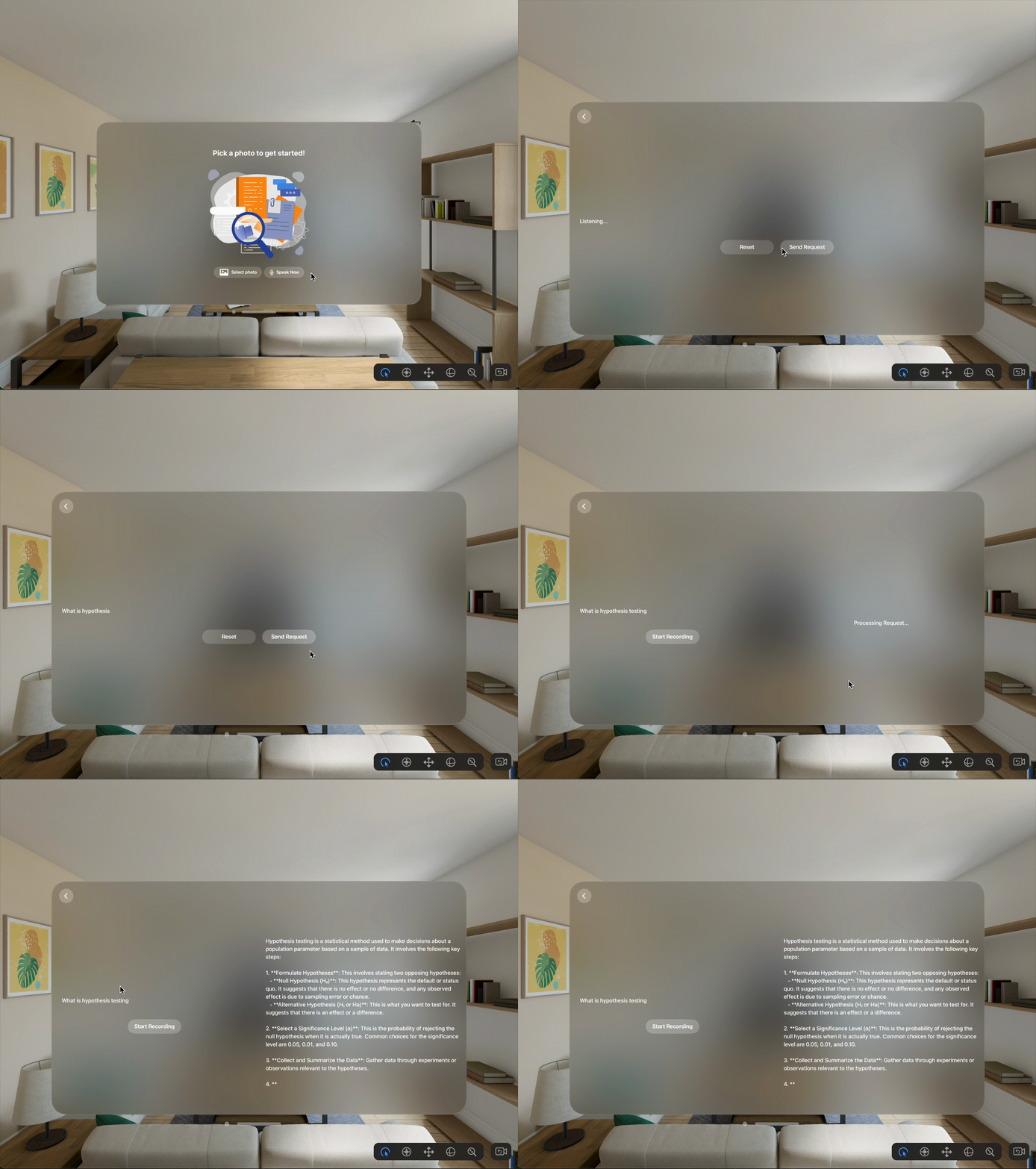
Use speech-to-text to capture text from user. Then, send the text to OpenAI and display the result.
How to Use
Open the visionOS app called
Discoveron the Apple Vision ProClick on
Select photobutton to access thePhotoapp on the headsetPick a photo and then click on
Submit Imagesend the photo to AWS EC2 and receive response on the headset.Press
Speak NowandStart Recordingto record speech and convert to text. SelectSend Requestto send it to OpenAI and receive response.